Year
2024
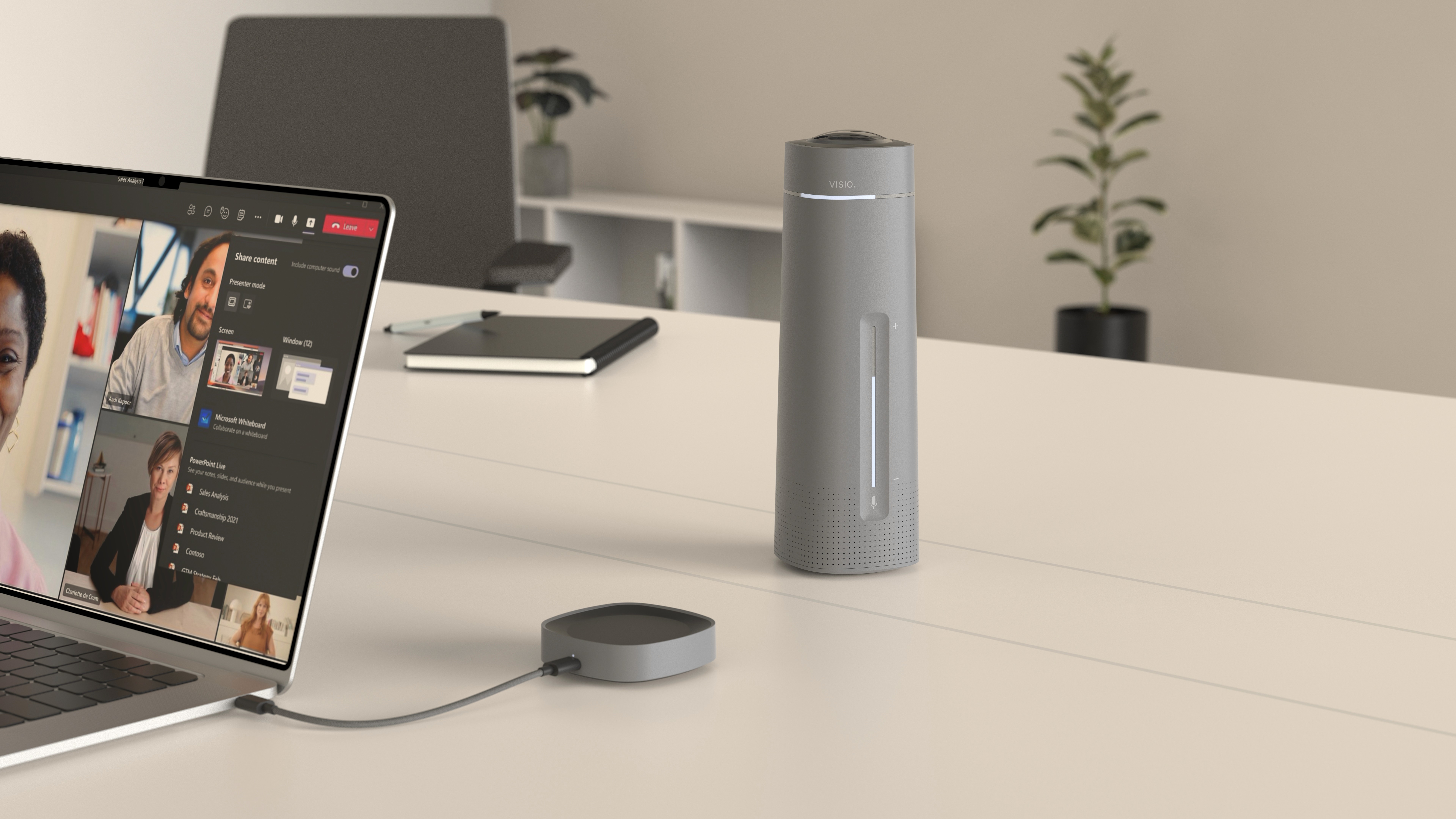
Visio is a wireless video conferencing system designed for cleaner and more flexible meeting setups. The concept reduces cable clutter and simplifies the connection between device and laptop. A docking based architecture separates the conferencing unit from the computer interface. This allows the device to be placed freely on the table while maintaining a stable connection.
01 — Problem
Wired systems create messy meeting tables.
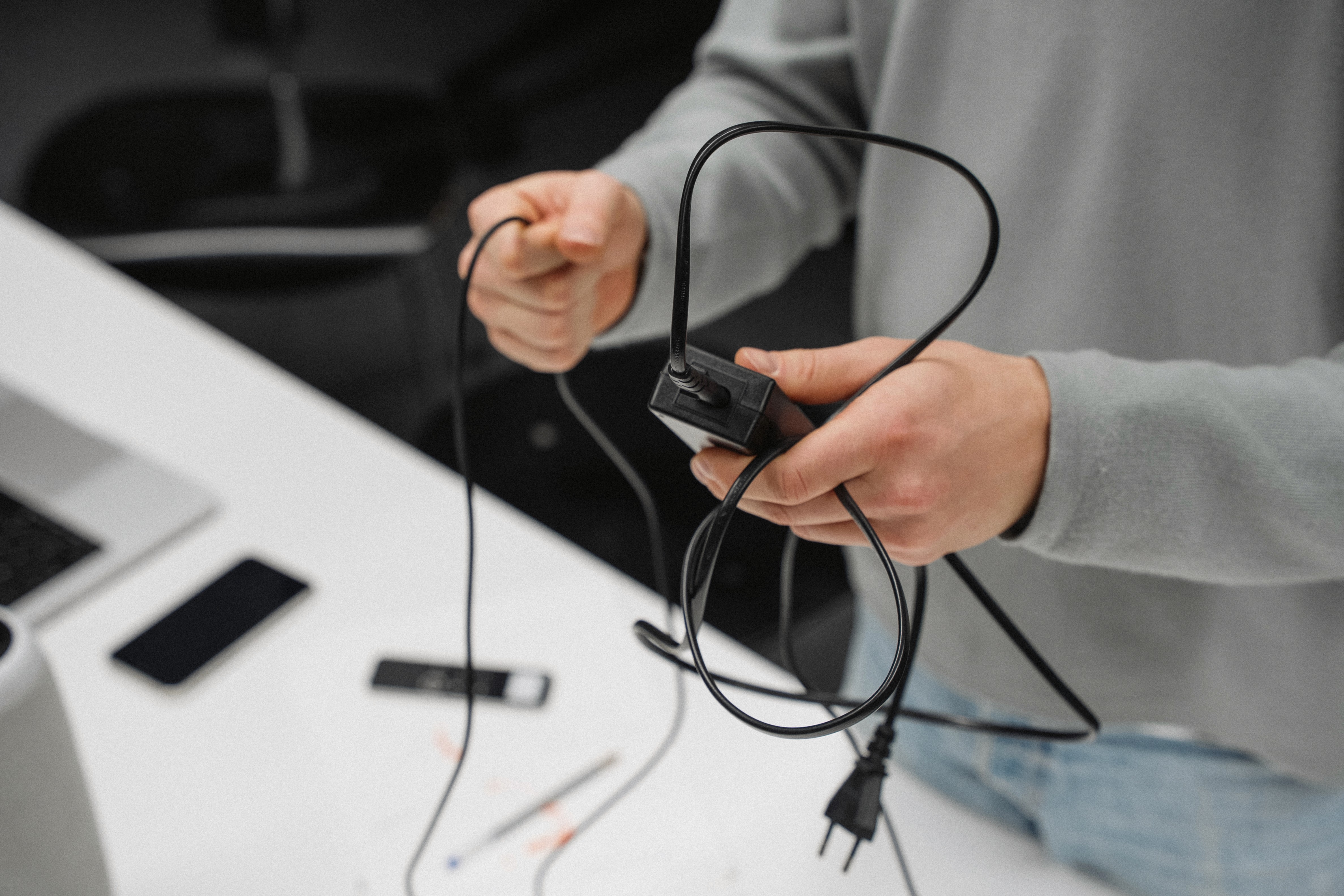
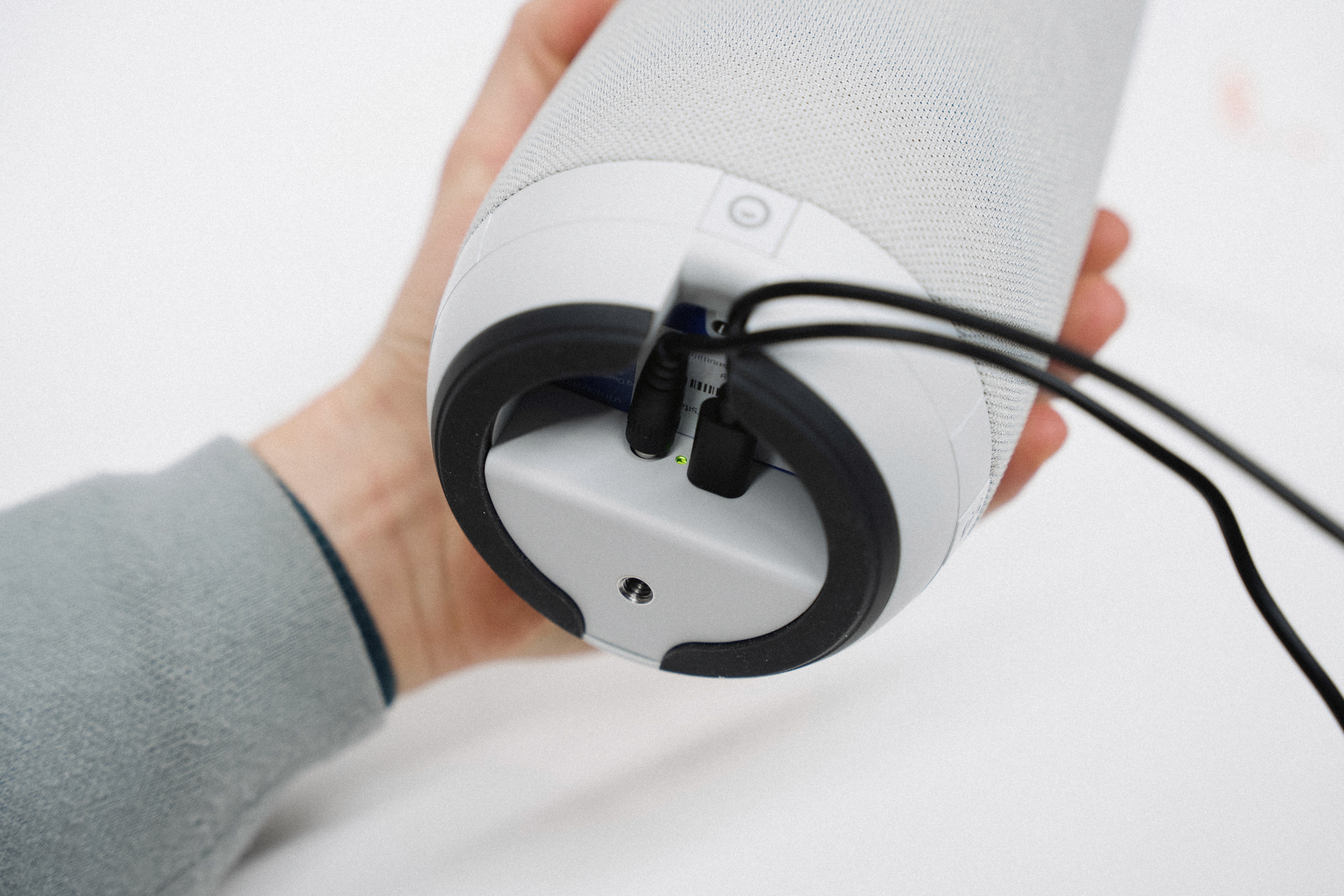
Most video conferencing systems rely on multiple cables connecting the device directly to a laptop or room setup. Power, HDMI and USB quickly accumulate. The result is a cluttered meeting table. In spaces filled with laptops, notebooks and coffee cups, exposed cables also introduce risk. A small accident can interrupt the entire meeting.
01 — Problem
Wired systems create messy meeting tables.
Most video conferencing systems rely on multiple cables connecting the device directly to a laptop or room setup. Power, HDMI and USB quickly accumulate. The result is a cluttered meeting table. In spaces filled with laptops, notebooks and coffee cups, exposed cables also introduce risk. A small accident can interrupt the entire meeting.
01 — Problem
Wired systems create messy meeting tables.
Most video conferencing systems rely on multiple cables connecting the device directly to a laptop or room setup. Power, HDMI and USB quickly accumulate. The result is a cluttered meeting table. In spaces filled with laptops, notebooks and coffee cups, exposed cables also introduce risk. A small accident can interrupt the entire meeting.
02 — Context
Learning from real interaction.
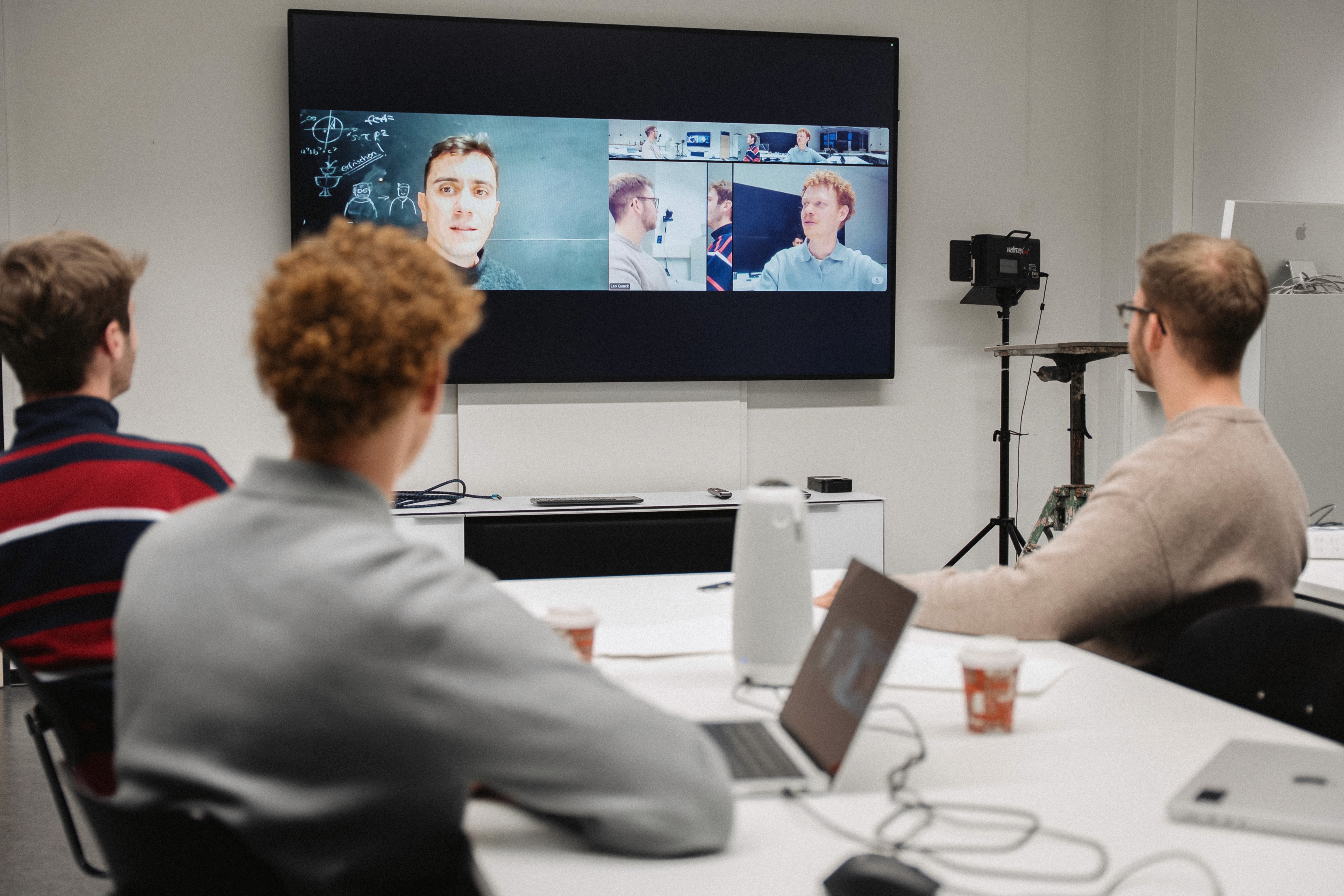
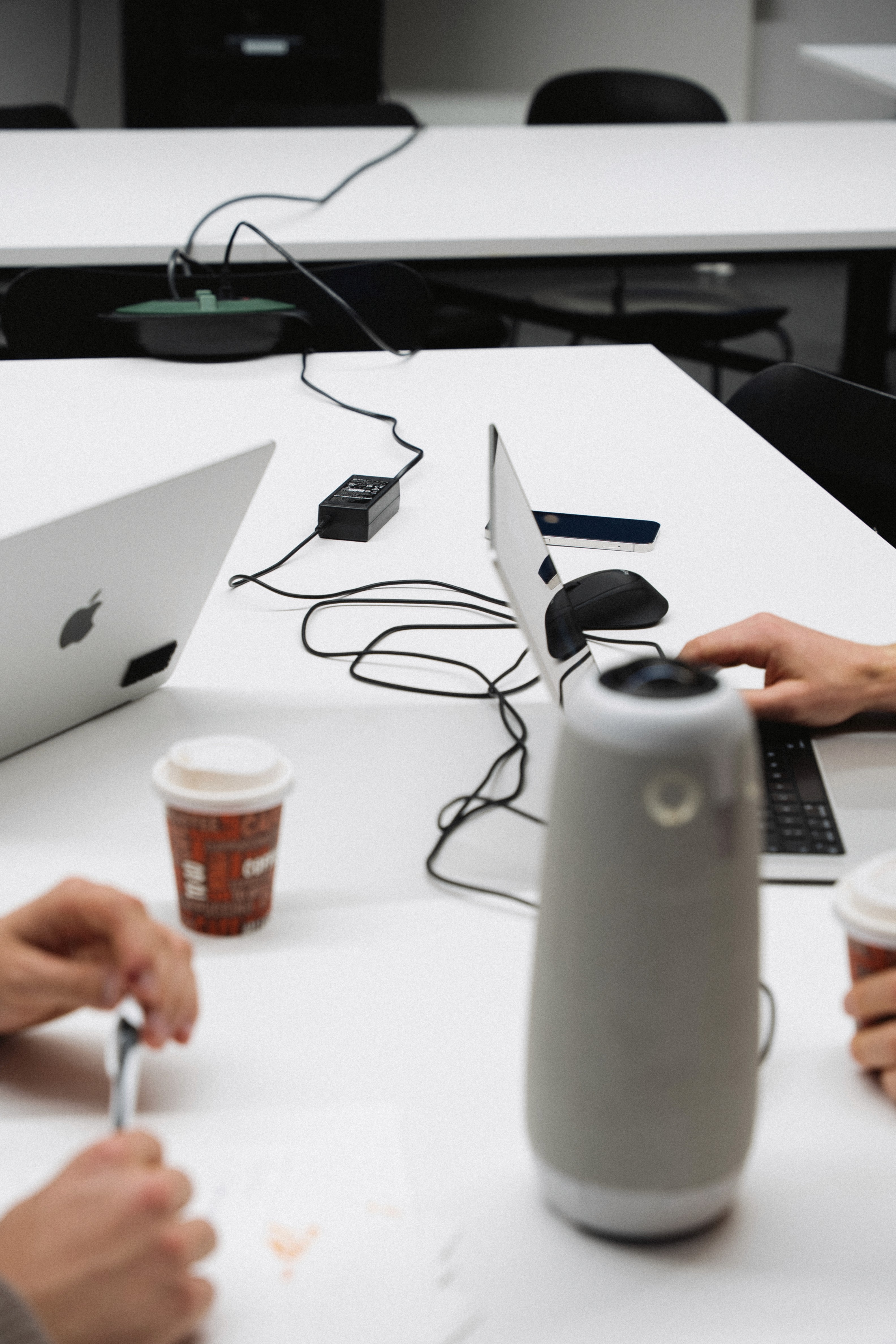
Instead of only analysing existing systems, I conducted hands on usage studies. I placed myself in the role of a meeting participant and operated several conferencing devices. This perspective quickly revealed the key issues. Cable management, rigid positioning and complex setup processes became obvious pain points. These observations became the starting point for a new concept.
02 — Context
Learning from real interaction.
Instead of only analysing existing systems, I conducted hands on usage studies. I placed myself in the role of a meeting participant and operated several conferencing devices. This perspective quickly revealed the key issues. Cable management, rigid positioning and complex setup processes became obvious pain points. These observations became the starting point for a new concept.
02 — Context
Learning from real interaction.
Instead of only analysing existing systems, I conducted hands on usage studies. I placed myself in the role of a meeting participant and operated several conferencing devices. This perspective quickly revealed the key issues. Cable management, rigid positioning and complex setup processes became obvious pain points. These observations became the starting point for a new concept.
03 — Concepts
Exploring possibilities through global concepts.
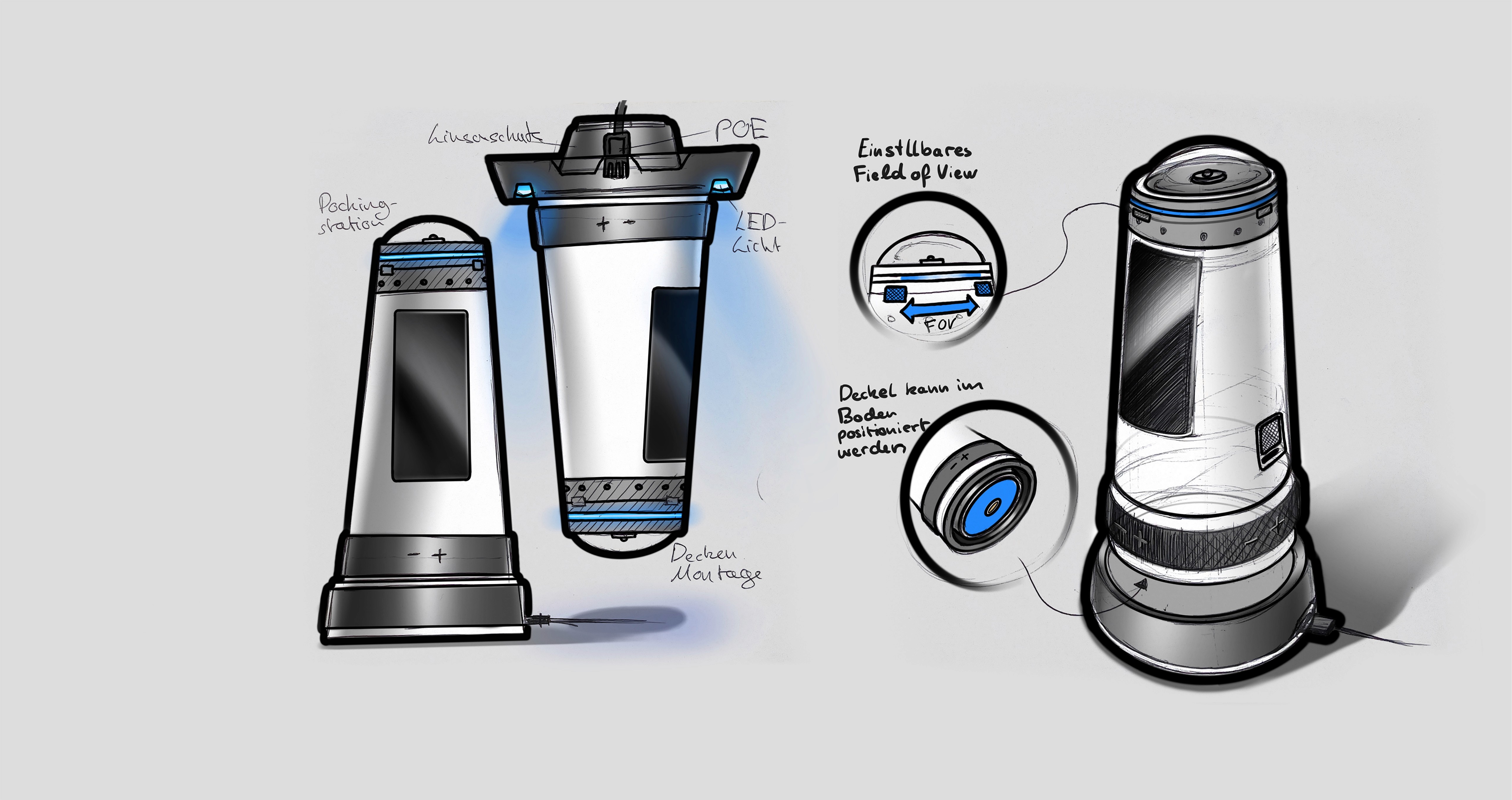
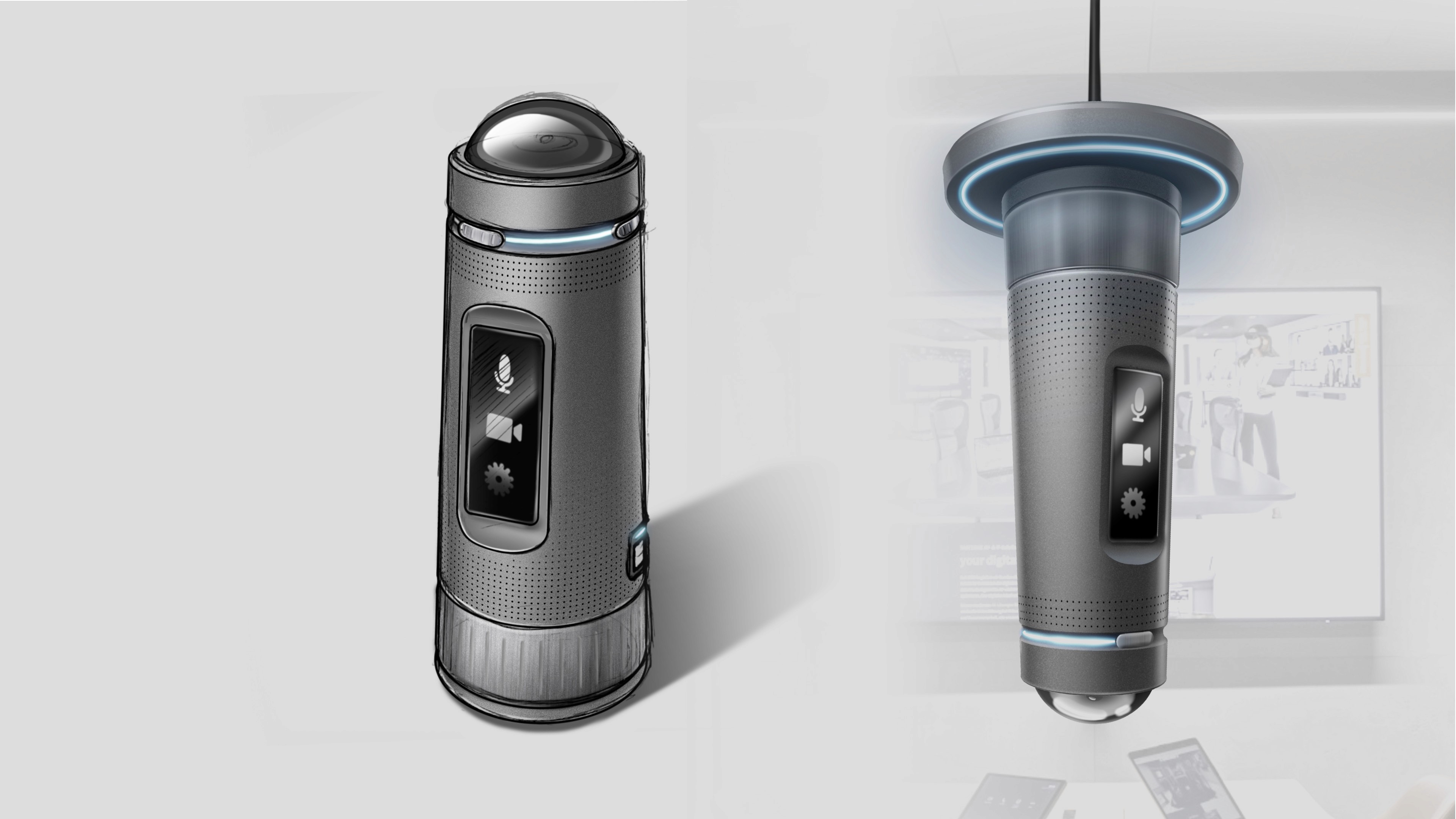
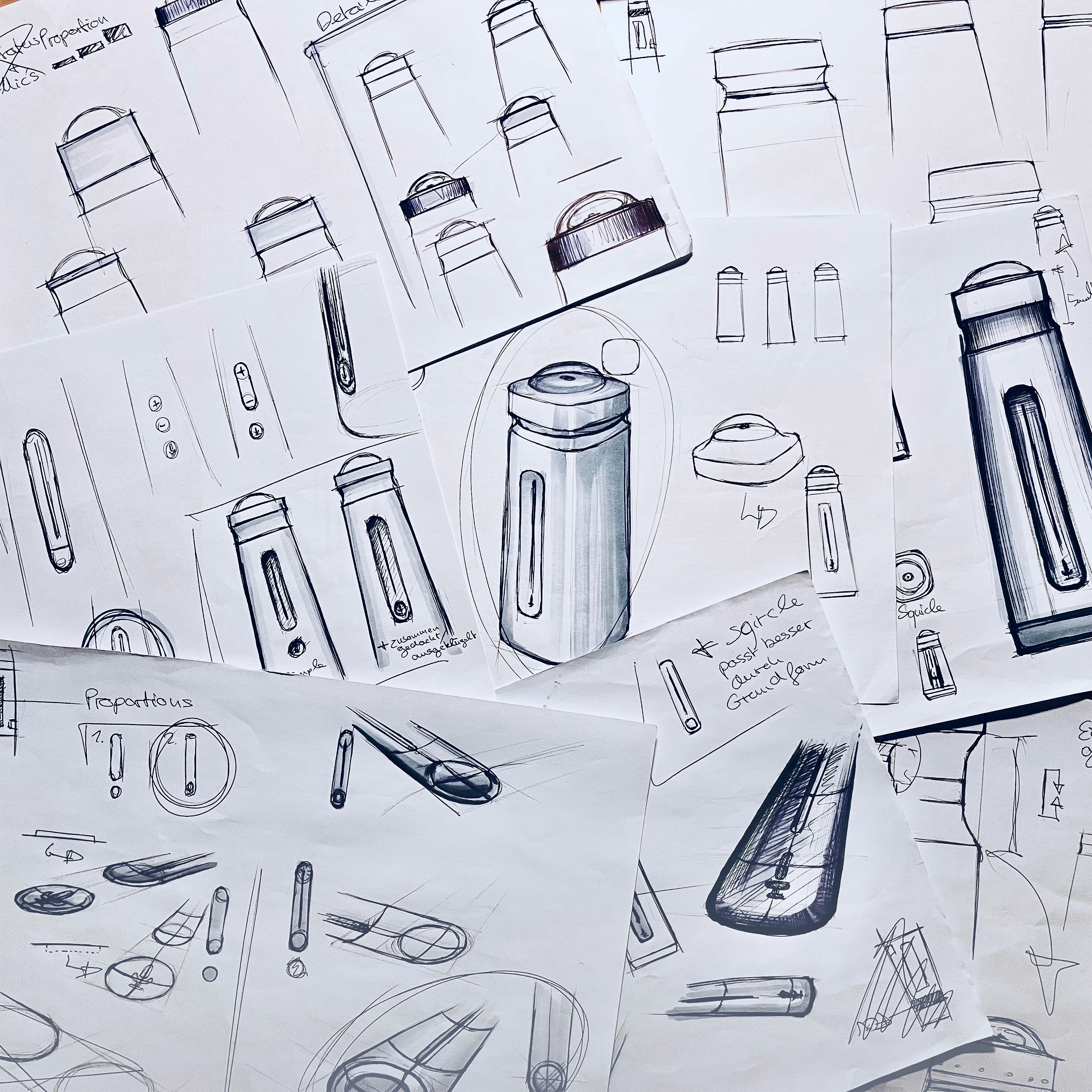
The early phase focused on generating a wide range of global concepts. Numerous sketches explored different combinations of cameras, speakers, microphones and interaction elements. Using a morphological approach, promising ideas were combined into a first technical package. Components were arranged within a realistic volume to ensure technical feasibility.

03 — Concepts
Exploring possibilities through global concepts.
The early phase focused on generating a wide range of global concepts. Numerous sketches explored different combinations of cameras, speakers, microphones and interaction elements. Using a morphological approach, promising ideas were combined into a first technical package. Components were arranged within a realistic volume to ensure technical feasibility.
03 — Concepts
Exploring possibilities through global concepts.
The early phase focused on generating a wide range of global concepts. Numerous sketches explored different combinations of cameras, speakers, microphones and interaction elements. Using a morphological approach, promising ideas were combined into a first technical package. Components were arranged within a realistic volume to ensure technical feasibility.
04 — Design Language
Shaping the visual language.
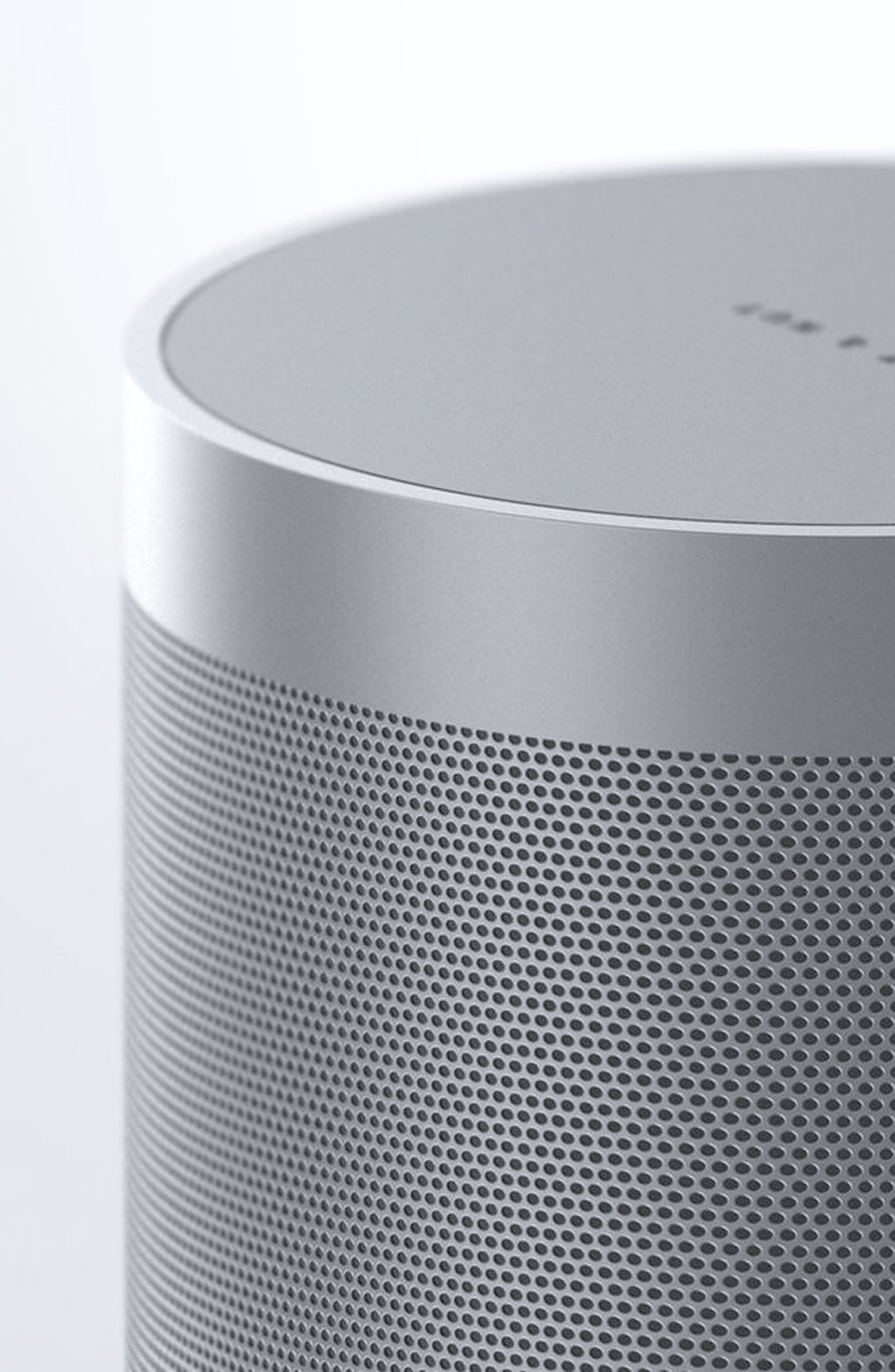
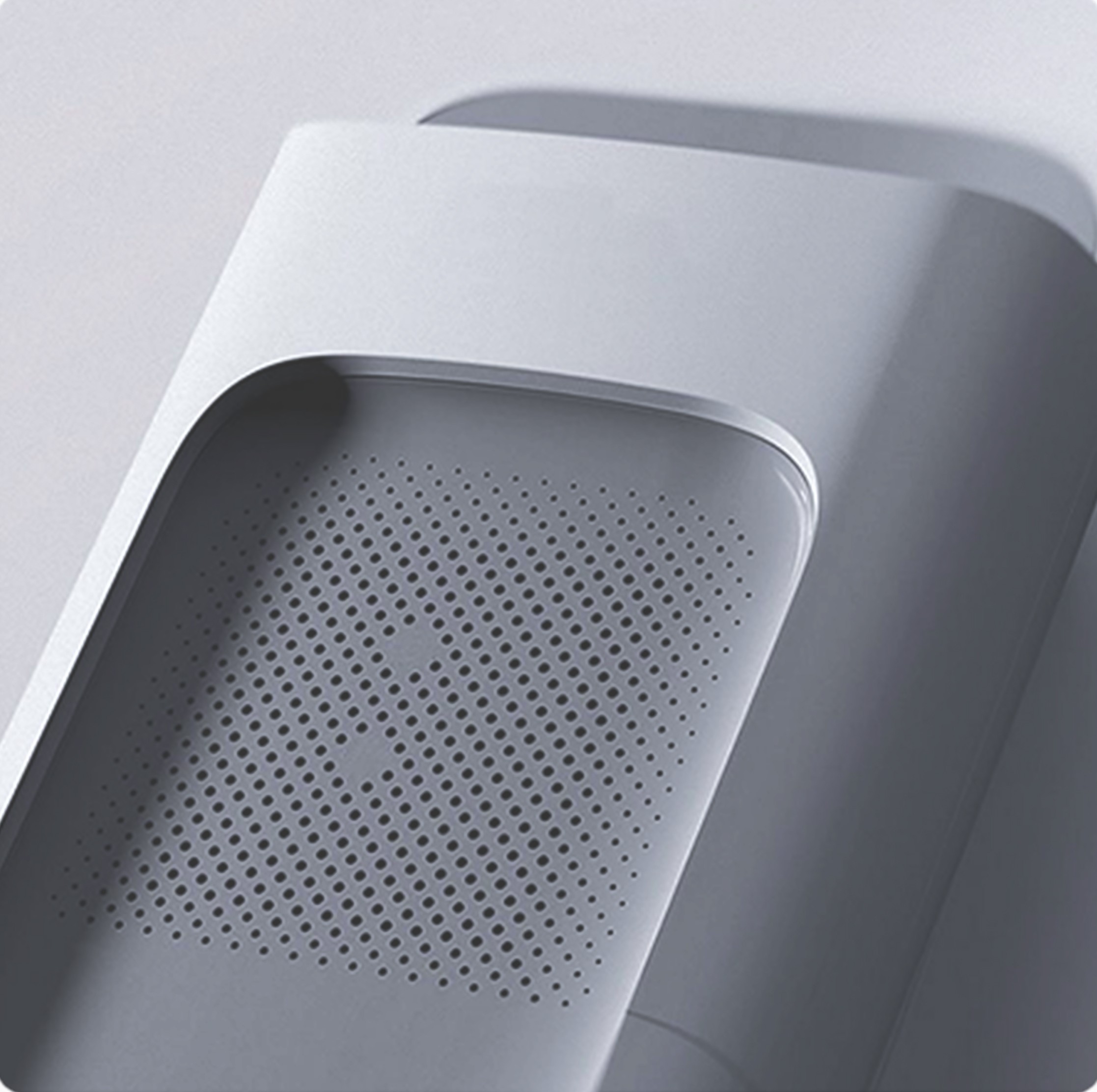
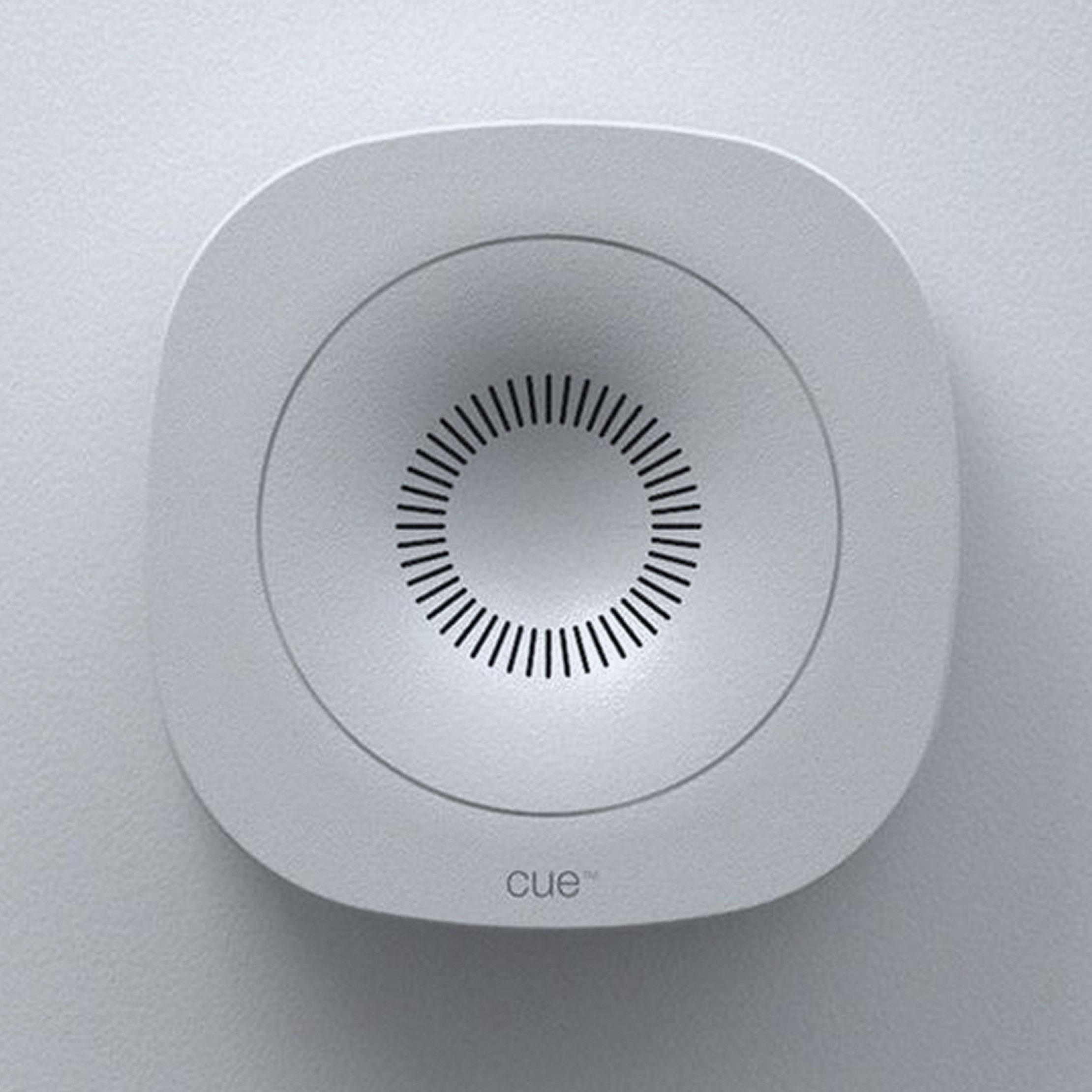
With the technical concept defined, the focus shifted to form and expression. A moodboard helped establish a calm and professional design language. The final form combines a square base geometry with the circular lens of the 360 degree camera. This squircle inspired balance creates a device that feels both precise and approachable.
04 — Design Language
Shaping the visual language.
With the technical concept defined, the focus shifted to form and expression. A moodboard helped establish a calm and professional design language. The final form combines a square base geometry with the circular lens of the 360 degree camera. This squircle inspired balance creates a device that feels both precise and approachable.
04 — Design Language
Shaping the visual language.
With the technical concept defined, the focus shifted to form and expression. A moodboard helped establish a calm and professional design language. The final form combines a square base geometry with the circular lens of the 360 degree camera. This squircle inspired balance creates a device that feels both precise and approachable.
05 — Engineering
Building the internal system.
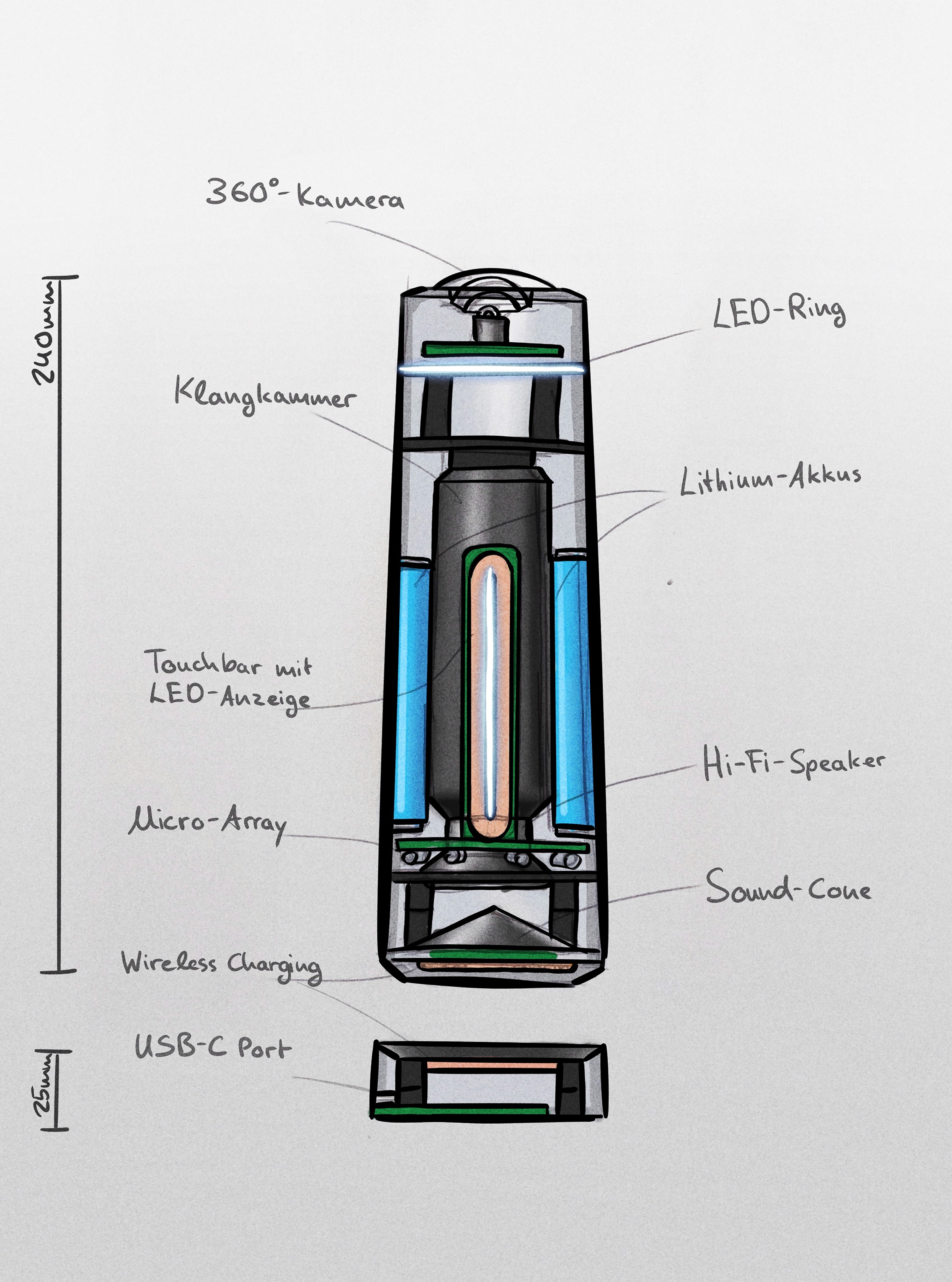
The CAD phase translated the concept into a detailed technical architecture. The internal structure was refined while adapting it to the final form. Each component was arranged to support a compact and coherent device.
05 — Engineering
Building the internal system.
The CAD phase translated the concept into a detailed technical architecture. The internal structure was refined while adapting it to the final form. Each component was arranged to support a compact and coherent device.
05 — Engineering
Building the internal system.
The CAD phase translated the concept into a detailed technical architecture. The internal structure was refined while adapting it to the final form. Each component was arranged to support a compact and coherent device.
06 — Prototype
Experiencing the product physically.
A physical model allowed evaluation of scale and proportions. Holding the device provided a better understanding of its presence on a meeting table. The model also made it possible to test interaction elements such as the touch interface. This early feedback helped validate important design decisions.
06 — Prototype
Experiencing the product physically.
A physical model allowed evaluation of scale and proportions. Holding the device provided a better understanding of its presence on a meeting table. The model also made it possible to test interaction elements such as the touch interface. This early feedback helped validate important design decisions.
06 — Prototype
Experiencing the product physically.
A physical model allowed evaluation of scale and proportions. Holding the device provided a better understanding of its presence on a meeting table. The model also made it possible to test interaction elements such as the touch interface. This early feedback helped validate important design decisions.
Unfold Prozess
Presenting Visio
Connect without effort.
Presenting Visio
Connect without effort.
Presenting Visio
Connect without effort.
Feature 01
Visual feedback for better communication.
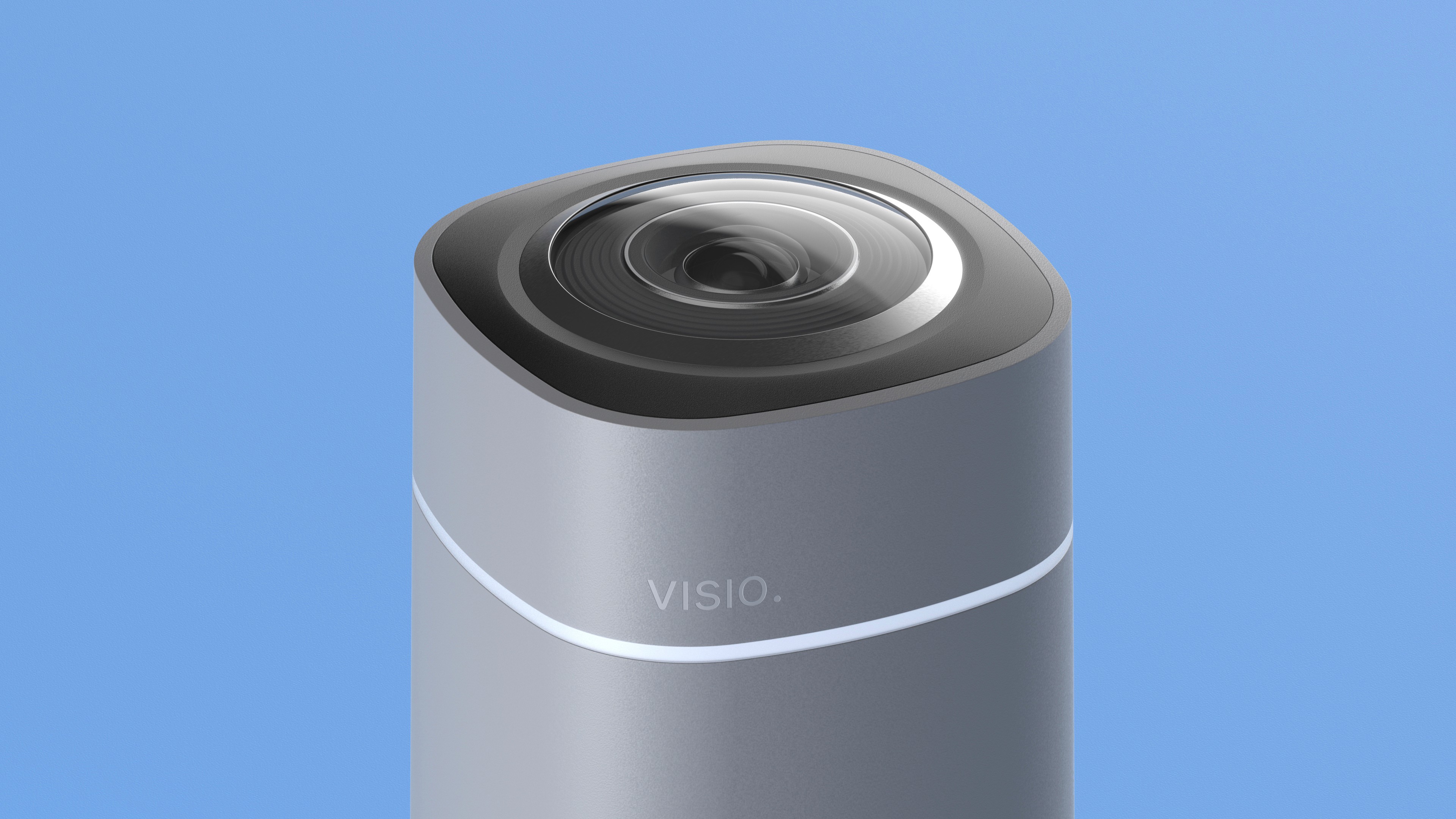
An adaptive LED ring surrounds the camera module. It signals when participants are visible within the frame. This subtle feedback guides attention toward the device instead of the laptop screen. Conversations feel more direct and natural.
Feature 01
Visual feedback for better communication.
An adaptive LED ring surrounds the camera module. It signals when participants are visible within the frame. This subtle feedback guides attention toward the device instead of the laptop screen. Conversations feel more direct and natural.
Feature 01
Visual feedback for better communication.
An adaptive LED ring surrounds the camera module. It signals when participants are visible within the frame. This subtle feedback guides attention toward the device instead of the laptop screen. Conversations feel more direct and natural.
Feature 02
Intelligent camera behaviour.
The integrated 360 degree camera continuously monitors the meeting table. Speaker detection identifies the active participant. The system automatically adjusts the framing to highlight the speaker while keeping the entire group visible. Remote participants receive a more dynamic and engaging view of the meeting.
Feature 02
Intelligent camera behaviour.
The integrated 360 degree camera continuously monitors the meeting table. Speaker detection identifies the active participant. The system automatically adjusts the framing to highlight the speaker while keeping the entire group visible. Remote participants receive a more dynamic and engaging view of the meeting.
Feature 02
Intelligent camera behaviour.
The integrated 360 degree camera continuously monitors the meeting table. Speaker detection identifies the active participant. The system automatically adjusts the framing to highlight the speaker while keeping the entire group visible. Remote participants receive a more dynamic and engaging view of the meeting.
Feature 03
Building the internal system.
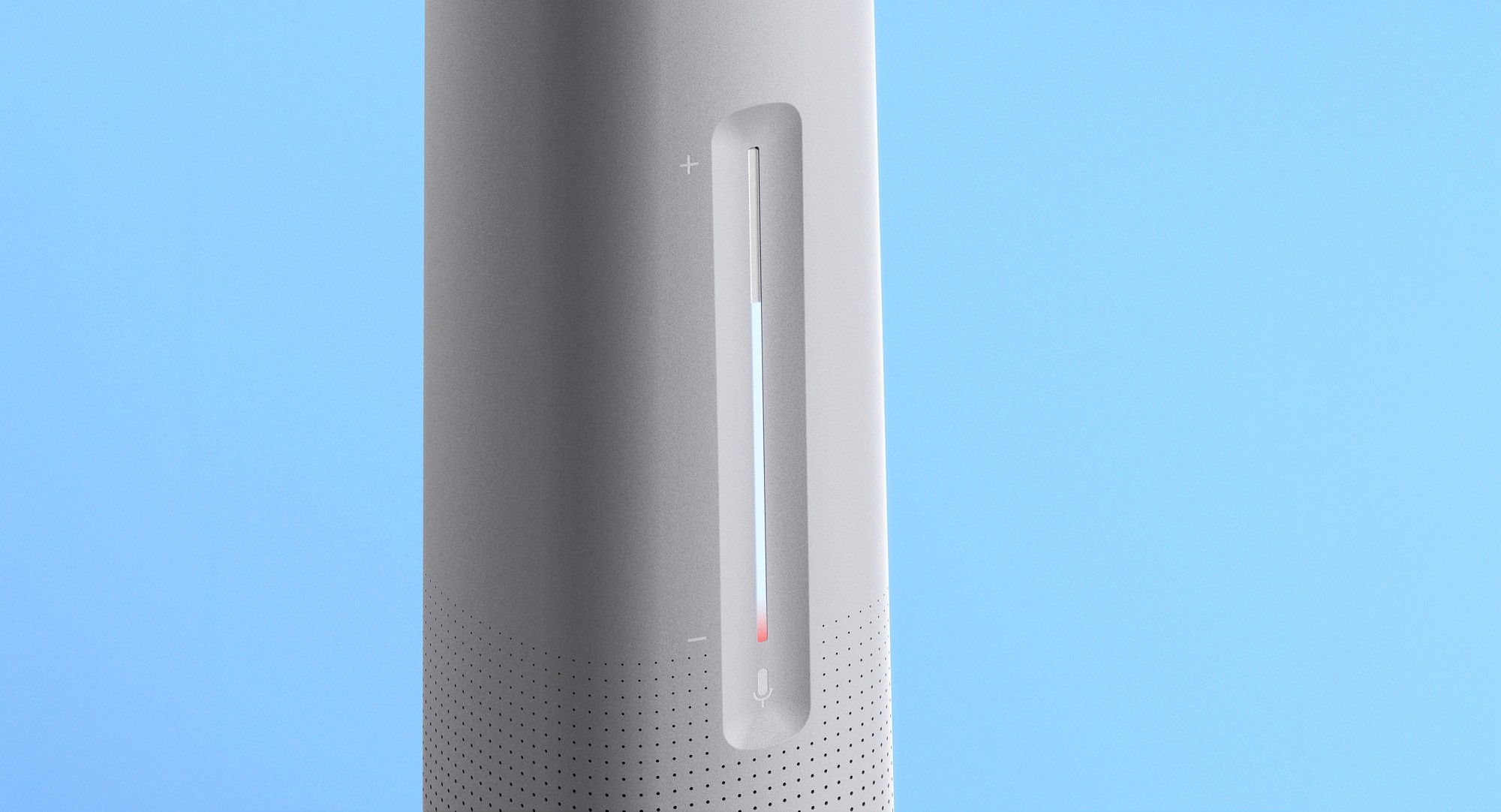
A capacitive touch bar on both sides controls volume and mute functions. The interface remains clean and button free. Integrated LEDs provide immediate feedback. Light intensity reflects volume levels, while a red segment indicates when the microphone is muted.
Feature 03
Building the internal system.
A capacitive touch bar on both sides controls volume and mute functions. The interface remains clean and button free. Integrated LEDs provide immediate feedback. Light intensity reflects volume levels, while a red segment indicates when the microphone is muted.
Feature 03
Building the internal system.
A capacitive touch bar on both sides controls volume and mute functions. The interface remains clean and button free. Integrated LEDs provide immediate feedback. Light intensity reflects volume levels, while a red segment indicates when the microphone is muted.
Feature 04
Wireless placement through docking.
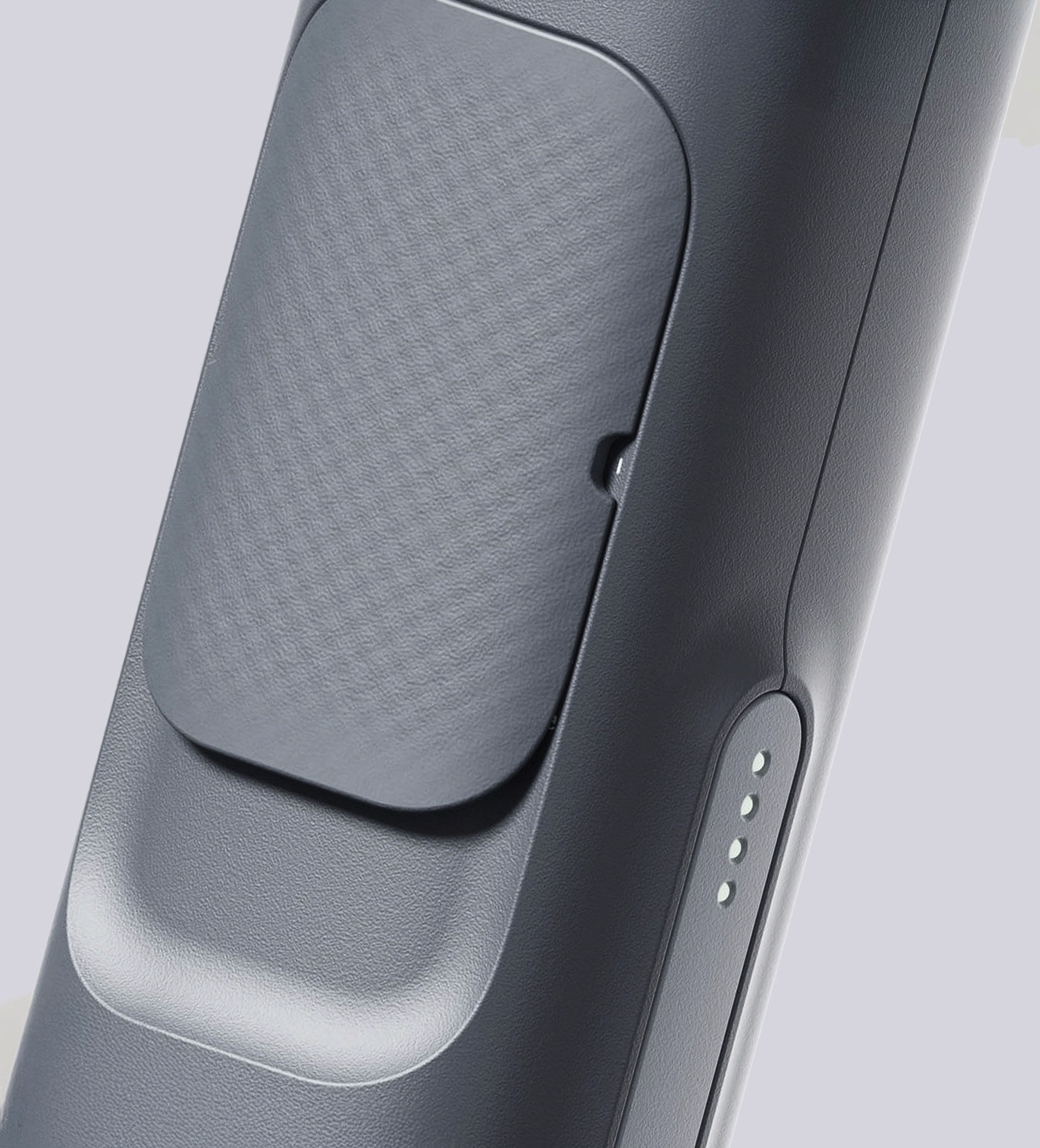
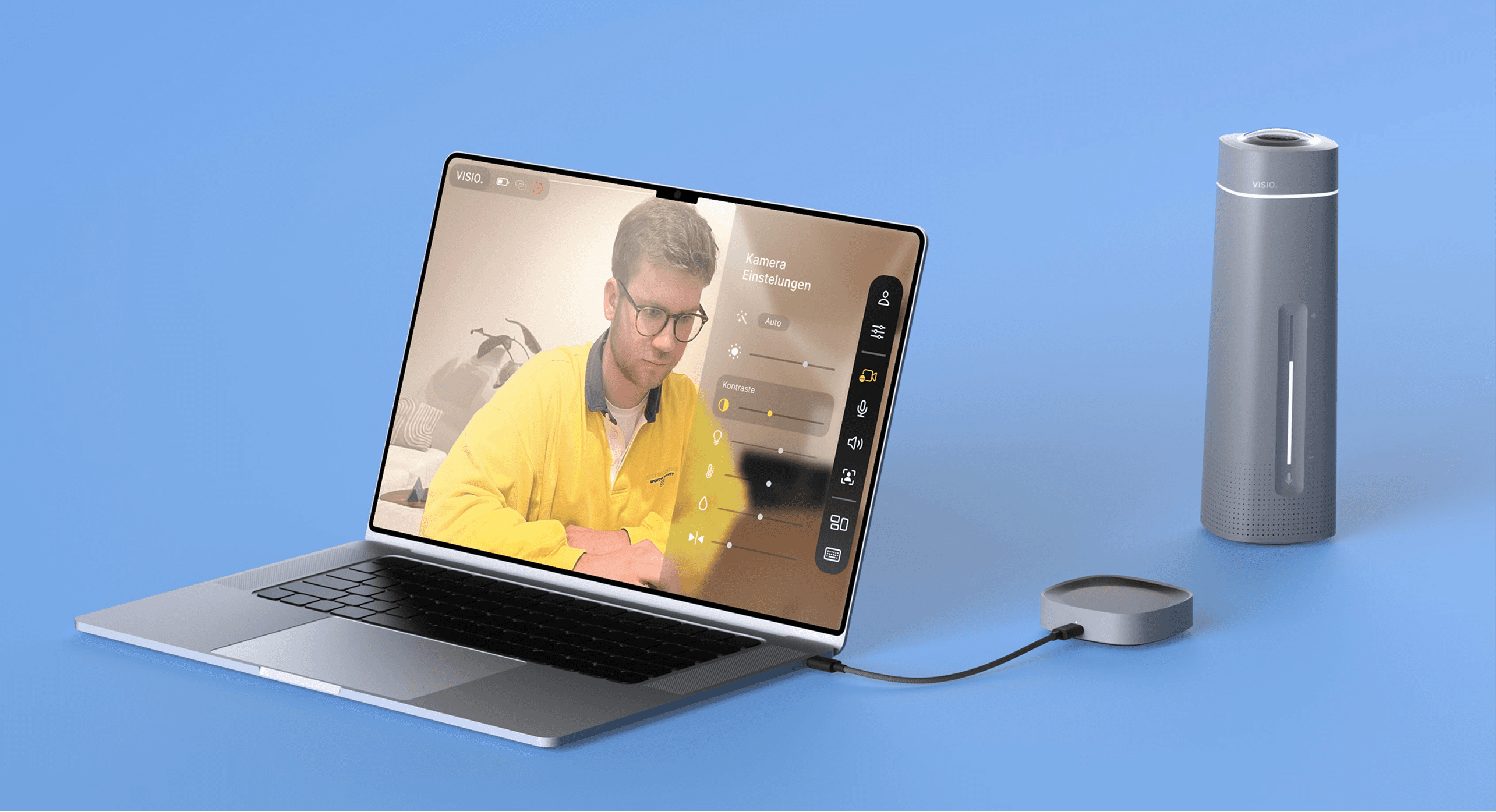
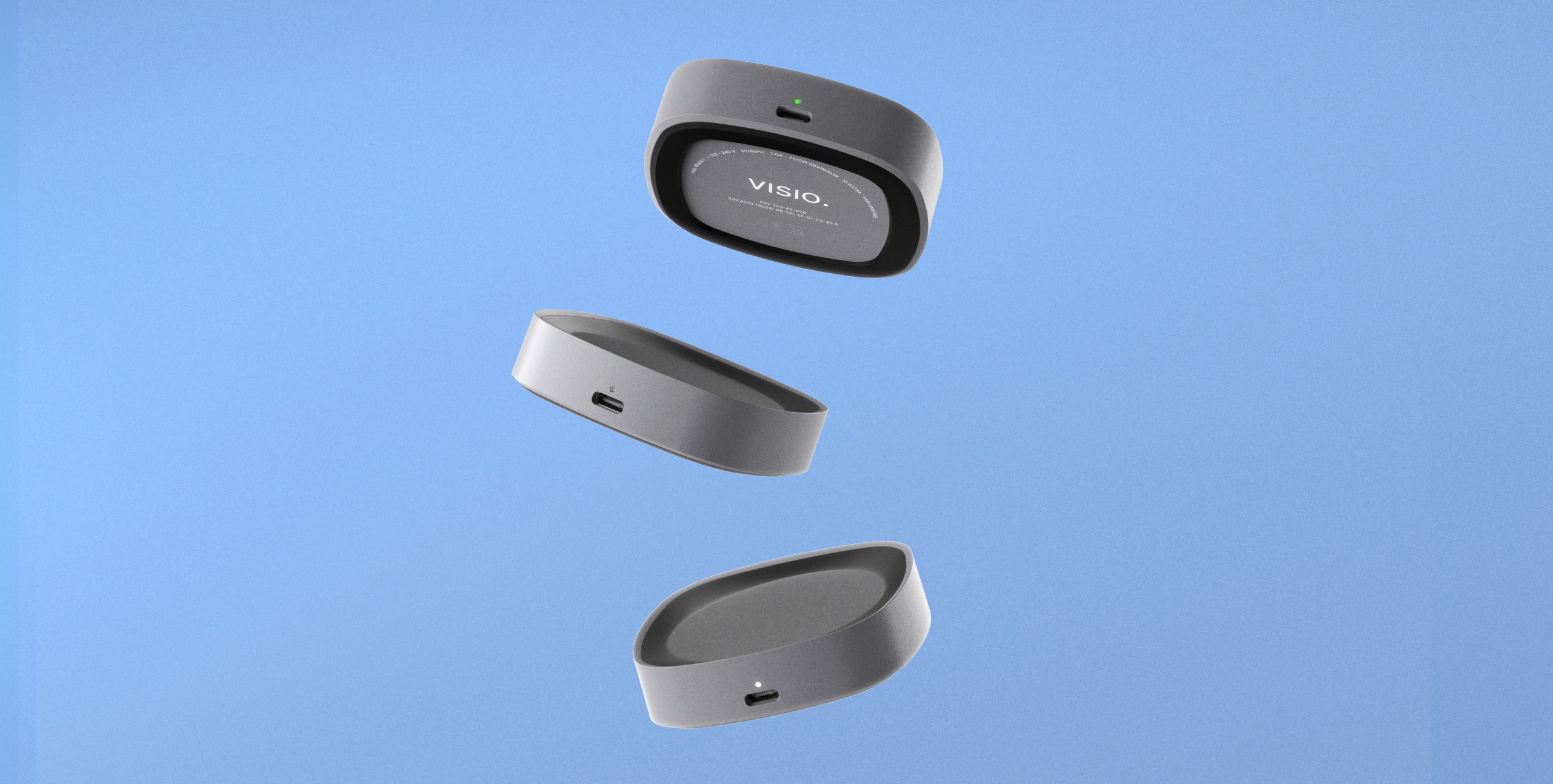
Visio separates the conferencing device from the computer connection. A compact dongle acts as both docking station and communication hub. The dongle connects to the laptop via USB C. Video and audio signals are transmitted wirelessly through HDMI. The device can therefore be placed freely on the table without cables. LED indicators on the dock communicate system status, pairing and power connection.
Feature 04
Wireless placement through docking.
Visio separates the conferencing device from the computer connection. A compact dongle acts as both docking station and communication hub. The dongle connects to the laptop via USB C. Video and audio signals are transmitted wirelessly through HDMI. The device can therefore be placed freely on the table without cables. LED indicators on the dock communicate system status, pairing and power connection.
Feature 04
Wireless placement through docking.
Visio separates the conferencing device from the computer connection. A compact dongle acts as both docking station and communication hub. The dongle connects to the laptop via USB C. Video and audio signals are transmitted wirelessly through HDMI. The device can therefore be placed freely on the table without cables. LED indicators on the dock communicate system status, pairing and power connection.